
TL;DR
Building an AI workstation used to be cheaper, but recent shortages and bulk buying have made prebuilt systems equally or more affordable. The decision now hinges on your need for control versus quick deployment, support, and reliability.
Imagine you’re staring at a mountain of parts—GPU, CPU, RAM, cooling, case—and feeling overwhelmed before you even start. Building your own AI workstation used to feel like a game of Tetris: challenging, but cheaper. Today, that’s no longer always the case. The AI boom has driven component prices sky-high, making DIY rigs more expensive than many prebuilt options.
If you’re eyeing a system for machine learning, deep learning, or local LLMs, you need a machine that’s reliable, fast, and ready when you are. But should you spend hours sourcing parts, tuning, and troubleshooting? Or pay a premium for a preconfigured system that’s tested, supported, and built for your workload? This article cuts through the noise and helps you figure out which route makes sense in 2026.
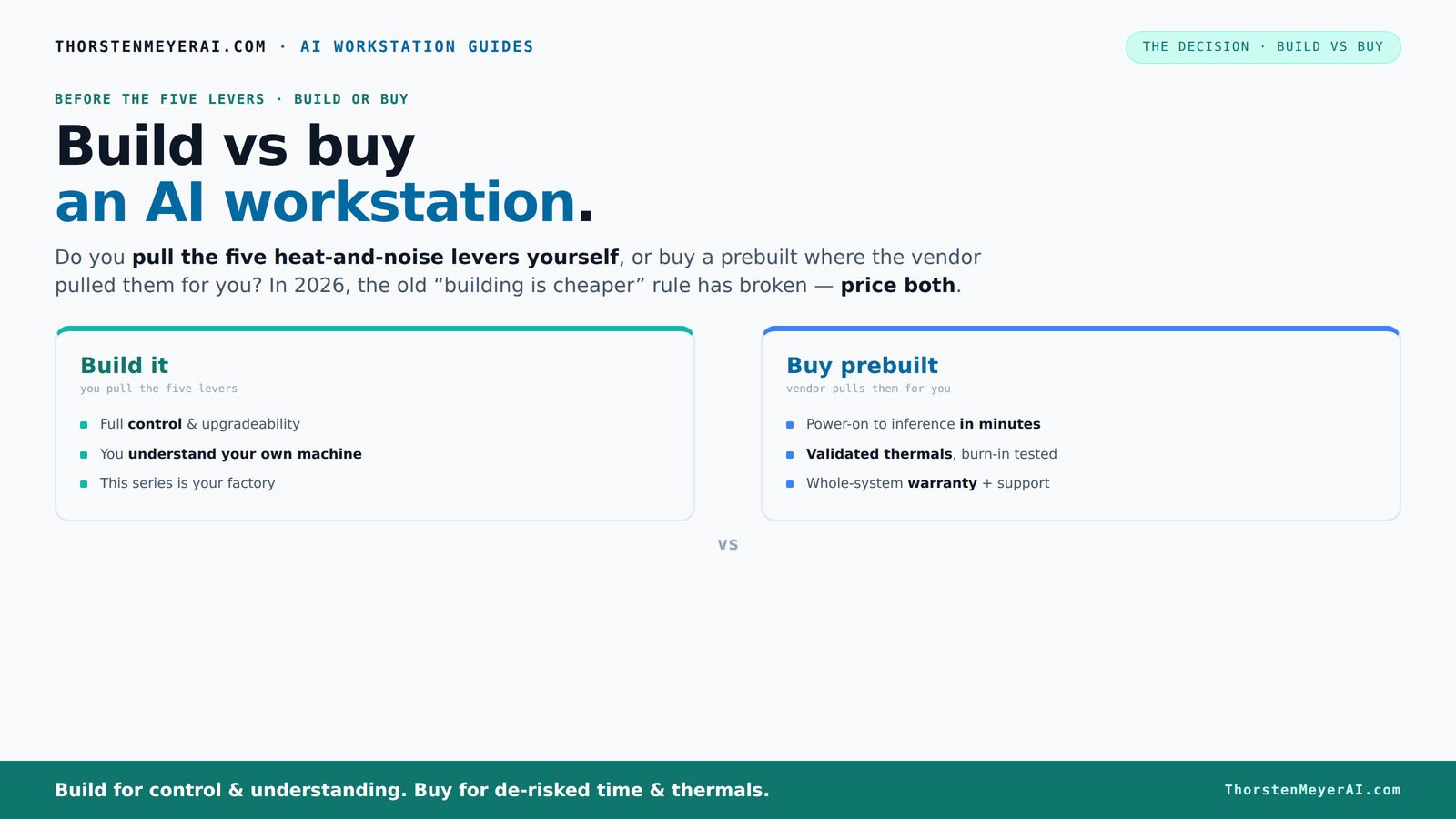
Build vs buy
an AI workstation.
The real question behind this whole series: do you pull the five heat-and-noise levers yourself, or buy a prebuilt where the vendor pulled them for you? And in 2026, the old “building is cheaper” rule has broken. Match your situation in Part 3.
Key Takeaways
- Component shortages in 2026 make prebuilt systems often match or beat DIY costs for high-end AI workstations.
- Prebuilt systems save hours of setup, testing, and troubleshooting, plus come with warranties and support.
- Building offers maximum control over components and cooling but requires technical skill and time investment.
- Compare total ownership costs, including setup, downtime, and future upgrades, not just sticker prices.
- Choose prebuilt if you need fast deployment and reliable support; build if customization and control matter most.
As an affiliate, we earn on qualifying purchases.
Why Building Your Own AI Workstation Is Not Always Cheaper Anymore
Building your own AI rig once promised big savings, but today, the cost of high-end GPUs, DDR5 RAM, and fast SSDs has surged. But today, the cost of high-end GPUs, DDR5 RAM, and fast SSDs has surged. A DIY system that used to cost around $1,000 now easily surpasses $1,250, especially with the latest AI hardware shortages.
Major vendors like BIZON and Lambda buy components in bulk before prices spike and often pass those savings directly to the customer. Sometimes, their prebuilt systems cost less than sourcing parts yourself—thanks to volume discounts and optimized manufacturing.
According to Build vs Buy a Prebuilt AI Workstation, component shortages and inflation have made the traditional build advantage fade, pushing many enthusiasts to reconsider whether DIY is still worth the hassle. This shift means that for most users, the cost savings of building your own AI workstation are less significant than they used to be, and the added complexity and time investment may not justify the expense. Furthermore, the risk of purchasing incompatible or suboptimal components increases, potentially leading to costly troubleshooting or upgrades down the line. Understanding these tradeoffs is crucial: while building offers customization, it also involves significant time and effort, and the potential for hidden costs if components don’t perform as expected or require upgrades sooner than anticipated. The implications are clear—consider whether your workload and technical skills justify the extra effort versus the convenience and support of prebuilt systems.
As an affiliate, we earn on qualifying purchases.
Who Should Buy a Prebuilt AI Workstation in 2026
If your goal is to get up and running fast, a prebuilt system is the clear winner. It arrives ready with the OS installed, CUDA, and all the AI frameworks preconfigured. No fuss, no waiting, no compatibility worries.
For example, a company like Puget Systems tests each machine under sustained GPU load for 48 hours, ensuring thermals won’t throttle performance. They also include warranties that cover failures during long AI training sessions. This rigorous testing reduces the risk of system failures during critical workloads, which can be costly and time-consuming to troubleshoot. The added support and warranty options mean you can focus on your work instead of hardware issues, making prebuilt systems especially attractive for professionals and organizations that cannot afford downtime.
Plus, if you plan to run multiple GPUs or need water cooling for quieter operation, vendors like Lambda have validated solutions. These systems come with support plans that reduce your troubleshooting time—saving you hours, possibly days. The peace of mind that comes with a support plan and proven reliability often outweighs the potential cost savings of a DIY build, especially when considering the value of time and productivity. This approach minimizes the risk of delays, data loss, or hardware failures that could set your project back significantly, emphasizing the importance of reliability and support in high-stakes workloads. You can learn more about build vs buy a prebuilt AI workstation options.
professional CPU for machine learning
As an affiliate, we earn on qualifying purchases.
As an affiliate, we earn on qualifying purchases.
When Building Yourself Makes Sense — If You Know the Levers
Building a system still makes sense if you’re after maximum control or have very specific needs. Maybe you want a particular GPU with 80GB VRAM, a custom cooling setup, or a motherboard designed for future upgrades. Building lets you pull all the levers—undervolt the GPU to reduce power consumption, optimize airflow to maintain lower temperatures, choose quieter fans to minimize noise, and match your case precisely to your workspace. These customization options can improve system longevity, performance, and user experience, especially in environments where noise and thermal management are critical.
For example, if you’re a researcher tinkering with custom hardware or a hobbyist with a tight budget, sourcing parts yourself can be rewarding—and cheaper, if you’re willing to put in the effort. However, it’s essential to weigh these benefits against the complexity and potential pitfalls, such as compatibility issues or the need for ongoing maintenance and upgrades. The tradeoff is that while you gain control, you also assume responsibility for troubleshooting and ensuring each component works harmoniously—something that can be daunting for less experienced builders. This route requires a good understanding of hardware compatibility, thermal management, and future upgrade paths, making it suitable for those who enjoy tinkering or need a very tailored system that build vs buy a prebuilt AI workstation can't provide.
As an affiliate, we earn on qualifying purchases.
Frequently Asked Questions
Is a prebuilt AI workstation cheaper than building one?
Not always, but in 2026, component shortages and bulk buying have made prebuilt systems often match or even beat DIY costs, especially for high-end setups with multiple GPUs.Is building a workstation still worth it in 2026?
It depends. If you value maximum customization, future expandability, and enjoy tinkering, building remains rewarding. Otherwise, prebuilt offers a faster, support-backed path.How much VRAM do I need for AI work?
It varies by workload. For most training tasks, 24–48GB of VRAM suffices. For larger models or inference on big datasets, 80GB or more can be necessary. Check your specific AI framework recommendations.Should I prioritize GPU, CPU, or RAM first?
For AI workloads, GPU VRAM and CUDA cores are king. But don’t neglect RAM and CPU, which feed data to the GPU. Balancing your budget to optimize these components ensures smoother performance and better resource utilization.Will a prebuilt machine have enough upgrade headroom later?
It depends on the vendor and configuration. Some prebuilt systems are designed for future upgrades, but always check the motherboard and PSU specs before buying to ensure they support your planned upgrades.Conclusion
In 2026, the choice between build and buy for an AI workstation boils down to your priorities. If speed, support, and reliability matter more than total control, a prebuilt is the smarter move. But if you crave customization and have the skills to tune every lever, building can still pay off.
Think of your AI system as a living machine—what works best depends on your workload, budget, and patience. The real win is choosing what gets you to productivity faster and with less stress.